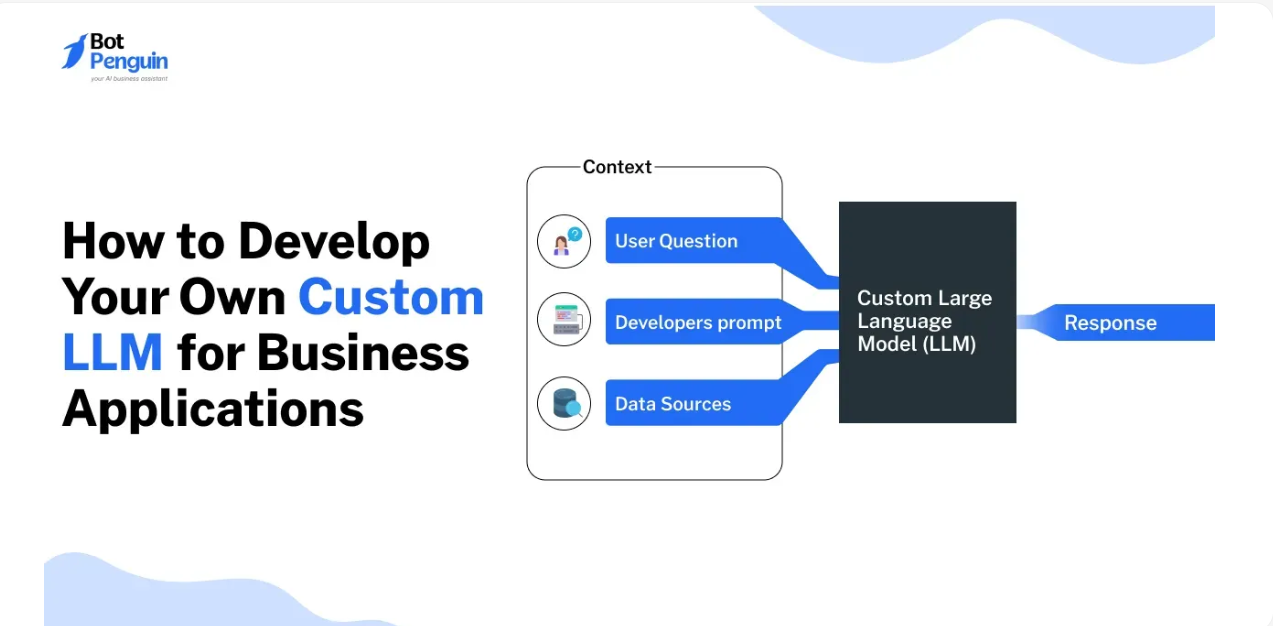

Analytics dashboards and BI tools are indispensable—but they often hide insights behind charts, filters, and complicated drill-downs. LLM-powered analytics changes the game: ask any business question in plain English, and get actionable insights back. This post explores how to leverage LLMs for analytics, ideal use cases, workflows, challenges, and a practical walkthrough so you can start using them today.
1. Why Natural Language Analytics
Analysts and executives benefit from LLM-driven insights:
Instant insights: Ask “Which product saw the highest growth last quarter?” and get answers instantly.
Democratization: Non-analysts can ask questions without SQL or Excel.
Contextual reasoning: Get explanations for complex patterns (e.g., “Sales dipped because…”).
Automation: Generate visualizations and reports automatically.
2. Core Components for LLM Analytics
Data ingestion: Feed databases, CSVs, big data lakes, or web APIs into your pipeline.
Preprocessing: Clean, join, aggregate, and convert to LLM‑friendly formats.
Embedding and retrieval: Convert charts, tables, or documents into vector embeddings for RAG.
Prompt orchestration: Guide the model to set analysis goals and chain reasoning steps.
Visualization engine: Optionally auto-generate charts that accompany explanations.
User interface: Tools like ChatGPT + Playground, or custom apps with Streamlit or Gradio.
3. Use Cases & Walkthrough
Use Case 1: Sales Performance
User: “Show me monthly sales by region, highlight top 3 growth areas.”
Flow:
Create embeddings from monthly sales CSV.
Prompt LLM: “Rank regions by percentage growth, include month-over-month trends.”
LLM returns rankings + insights.
Use Case 2: Customer Support Analytics
Ask: “Which topics generate the most support tickets, and where is sentiment trending?”
Model analyzes scraped ticket data, clusters themes, returns sentiment analysis.
Use Case 3: A/B Testing Feedback
Ask: “How did user engagement compare for variant A vs. B over two weeks?”
Parse and interpret logs, visualize trends, and summarize statistical significance.
4. Tools & Platforms
Open-source: LangChain, Weaviate + OpenAI/Hugging Face models.
Managed services: OpenAI function calling, Microsoft Power BI + GPT, Amazon Q, ThoughtSpot.
Visualization: AutoChart, Data-America, Plotly.
Pros and cons:
| Category | Advantage | Challenge |
|---|---|---|
| Open-source | Flexibility, cost control | Dev effort, hosting complexity |
| Managed | Easy to deploy, scalable | Vendor lock‑in, cost per query |
| Visualization | Rich output, easy interpretation | Integration overhead |
5. Challenges & Best Practices
Accuracy: Validate with existing dashboards—never blindly trust the model.
Prompt design: Use examples, guide output formats (JSON, bullet points).
Latency: Optimize embeddings, use caching or batching.
Privacy: Mask or anonymize sensitive data before inference.
Governance: Track who asked what, and ensure outputs comply with compliance standards (GDPR, HIPAA).
Conclusion
LLMs are turning BI from a data discipline into an intuitive, conversational insight engine. With structured workflows—ingestion, embedding, prompting—you can supercharge analytics without sacrificing accuracy or compliance. Start with a clear, high-value pilot in areas like support or A/B testing, and scale up as trust grows. Your business will not only see numbers, but understand them.