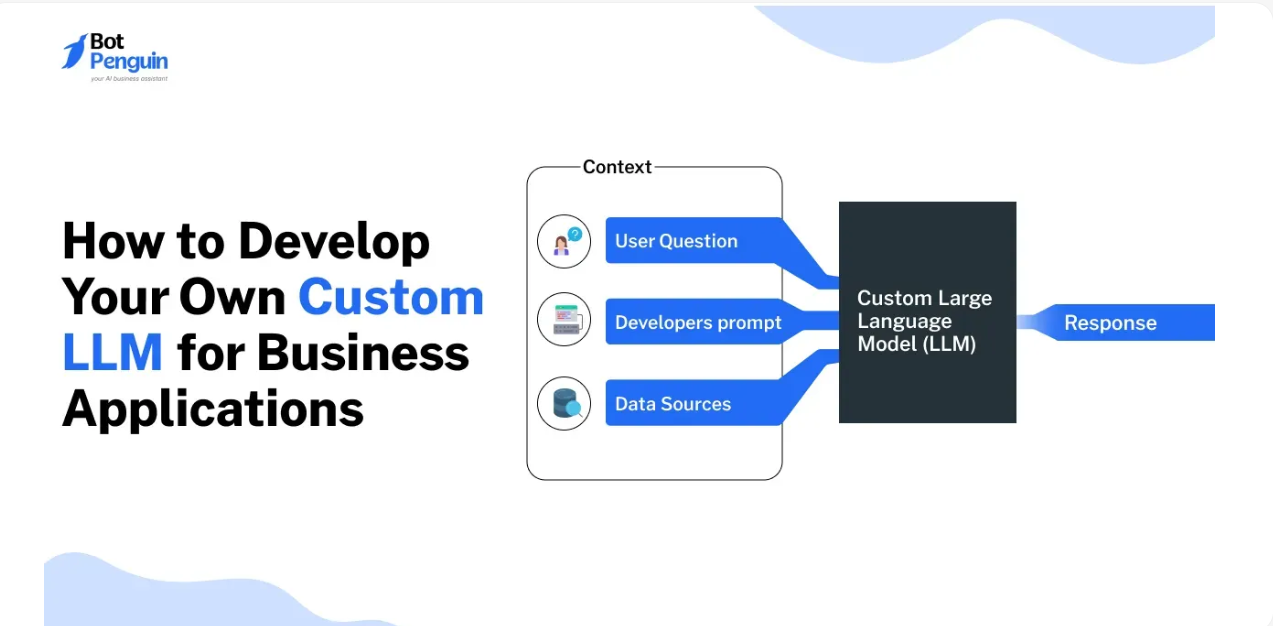
Chatbots have long promised 24/7 customer service, but many disappoint with rigid flows or canned responses. The new wave of LLM-powered bots breaks that mold: they’re flexible, multilingual, and can reason contextually. In this guide, we’ll walk through everything—from intent design to deployment—so you can build a chatbot that not only automates support, but delightfully assists users.
1. Why LLM Chatbots Are Different
Compared to rule-based bots (e.g., Dialogflow, Rasa):
Open-domain responses
Context retention across sessions
Creative reasoning for unscripted tasks
Ease of updates—change a prompt, not rewrite trees
Great for customer support, lead qualification, document retrieval, HR assistant bots.
2. Key Components of an LLM Chatbot
User interface: Web widget, Slack app, SMS, or mobile embed.
Intent detection & rerouting: Light preprocessing to judge if input needs human help (e.g. “complaint,” “billing issue”).
Retrieval:
For simple bots: embed FAQs or knowledge base.
For complex domains: vector DB + chunked manual documents.
Prompt framing:
Provide “persona context” (“You’re a friendly support agent…”)
Use dynamic context (last N messages + metadata)
Include retrieval output in prompt.
Response generation:
Use instruction-following models; tune for brevity or empathy.
Condition follow-up; request clarifications when unanswered.
Fallback & escalation:
If low confidence, route to human or request rephrasing.
Logging & analysis: Maintain transcripts for training and compliance.
3. Build Workflow
Step 1: Define Intent Types
Map 10–20 key intents (e.g., greetings, pricing query, technical support). Create intents + example prompts.
Step 2: Create Knowledge Base
Structure into chunks with metadata: title, section, text. Embed into a vector store (FAISS, Pinecone).
Step 3: Prompt Templates
Example:
You are a friendly, empathetic support assistant.
Context:
{retrieval_results}
Conversation history:
{history}
User: {user_input}
Assistant:
Step 4: Choose Model & API
Start with GPT‑3.5 Turbo via OpenAI. Use LangChain or custom code to stitch retrieval and prompt.
Step 5: Test & Improve
Simulate edge cases, tune prompt or reranker. Measure success: user satisfaction, resolution rate, conversations routed.
Step 6: Deploy & Monitor
Wrap as REST or WebSocket endpoint, deploy to production. Monitor usage, latency, error rate. Regularly update KB and re-prompt.
4. Avoiding Risks & Pitfalls
Hallucinations: Always attach citations to retrieved facts or explicitly tell the model to avoid guesses.
Bias & Tone: Regularly audit for fairness, politeness, cultural sensitivity.
Session memory: Use stateless context or a managed memory store to comply with privacy rules.
Cost control: Set token limits, turn off LLM during low activity or use cheaper models for non-core tasks.
Fallback handling: If the bot stalls, gracefully route to human or ask for simplification.
Conclusion
LLM-based chatbots are the future of automated interactions—they feel natural, adapt to context, and continuously improve. By combining intent detection, retrieval, smart prompts, and thoughtful deployment, you can build a bot that delights users and drives real value. Ready to launch? Start small—with one intent or section of your knowledge base—and grow iteratively. Your future support team is about to get an upgrade